Quasimorph Map Editor and Mod Manager
Build custom Map Packs and control load order without breaking procedural missions
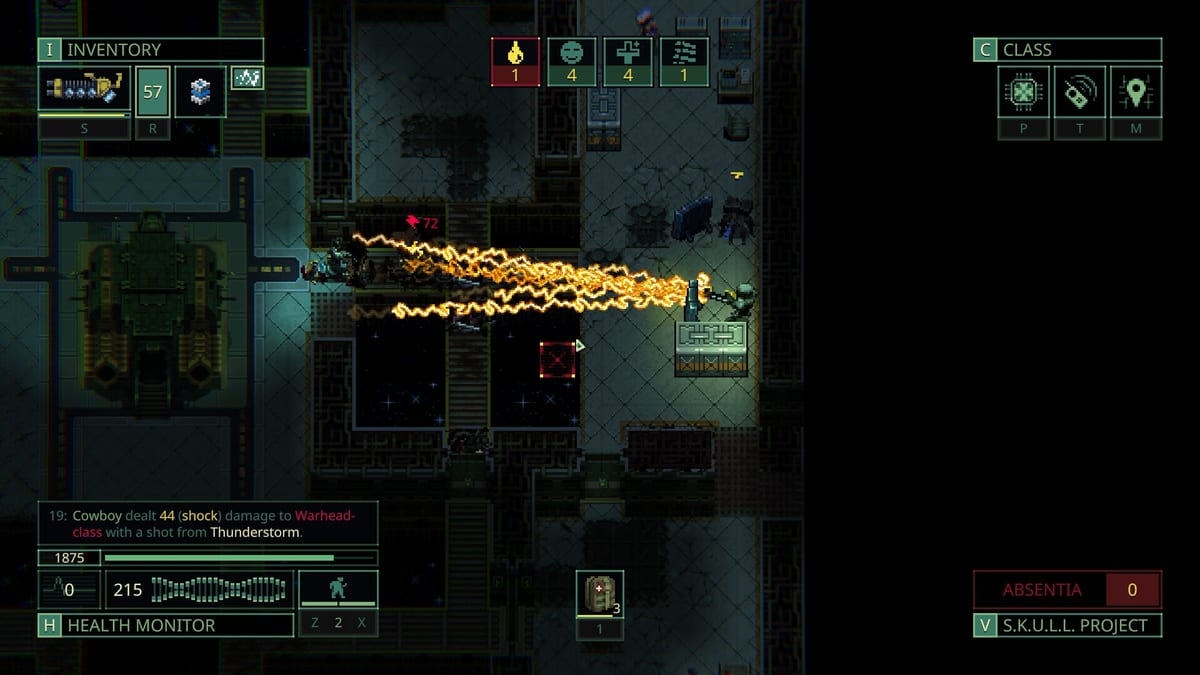
Quasimorph version 1.0 (July 31, 2026) ships Magnum Scriptum’s Map Editor for custom Map Pack creation and an in-game Mod Manager that sets load order, enables or disables packs, and surfaces map pack collisions. These tools sit beside the Steam client — not on this fan wiki — but players still need a practical workflow: how to open the editor, how packs inject into procedural missions, and how to recover when a mod soft-locks a story contract.
Use this page as a briefing before you touch community packs. For vanilla campaign routing stay on the Walkthrough Hub. For launch scope see Patch 1.0 Release Notes. Kit prep for custom maps still benefits from the Loadout Planner.
Opening the Map Editor
From the main menu, open the editor control in the upper-right region (exact iconography may shift with Q3 hotfixes). The editor is a separate authoring space from Magnum between-mission screens.
Core navigation patterns community guides document:
- WASD — pan camera
- Mouse wheel — zoom
- LMB — active tool (place, erase, obstacles)
- RMB — select placed obstacles; hold RMB to drag
- Arrow keys — nudge selection by one pixel
- Shift + LMB — fill connected areas or mark outdoor tiles when Environment tool is active
Expect tutorial overlays for new systems; 1.0 also expanded tutorial messaging for rites, augments, gas, and trade shuttle elsewhere in the game.
Creating a Map Pack
- Open the Map Editor from the main menu.
- Press the + control to create a new pack.
- Assign a UID between 10 and 21473 and a human-readable pack name. UID uniqueness matters when multiple packs load together.
- Press NEW PRESET and author rooms.
- Use EDIT PACK later to rename or adjust UID if needed.
- Use REBUILD PACK after manually adding map files into the pack folder so the game registers them.
Folder naming and procedural injection
The game injects custom maps into procedural missions when your rooms live in folders that match Core Map Pack room categories — for example military orbital layouts belong under names that mirror core MilitaryOrbital-style folders. If a folder does not exist, create a room and type the folder name in the Folder field so the pack structure stays coherent.
Mismatch folder names and your maps simply never appear in the mission pool — the most common silent failure for first-time authors.
Environment, spawns, and cleanup tools
Authoring tools typically expose layers for tiles, walls, facades, monsters, items, decals/liquids, and spawn or exit markers. Bramfatura-style and some story layouts use Spawn points (Spawn 1 patterns) for player entry. Environment painting marks indoor versus outdoor tiles — important for gas, fire, and line-of-sight assumptions after 1.0’s fire/liquid/gas pass.
Cleanup tools let you wipe systems, monsters, objects, items, or decals without deleting the whole room. Use them before REBUILD PACK so stale entities do not ship into players’ runs.
Mod Manager — load order and collisions
The in-game Mod Manager is the safety layer for Map Packs:
- Enable / disable packs without deleting files.
- Set load order when multiple packs redefine similar room folders.
- Collision display highlights map packs that conflict so you can reorder or disable before launching a campaign.
Best practice after installing a Steam Workshop or local pack:
- Disable all packs and confirm a vanilla Mars extract works.
- Enable one pack at a time.
- Check collision warnings.
- Only then stack aesthetic or room packs together.
If a story mission soft-locks, disable community packs first — Magnum Scriptum’s Q3 hotfix track explicitly includes editor and mission stability.
Safety checklist before modding
- Backup saves under
%USERPROFILE%\AppData\LocalLow\Magnum Scriptum\Quasimorph\before enabling packs on a storyline save. - Remember default Early Access saves are incompatible with 1.0; do not confuse mod corruption with branch wipe issues from Patch 1.0.
- Console commands invalidate Steam achievements — keep achievement runs on clean, unmodded (or verified) setups per Achievements Guide.
- Uninstall or disable packs before reporting bugs on Steam discussions.
- Test custom rooms on non-story Mission Types before injecting into ending-critical contracts.
Playing on custom maps
Custom Map Packs change geometry, not the extract contract. You still lose carried loot on clone death, still examine resistances, and still respect Quasimorphosis rules outside Absentia moons. Run Getting Started habits even on community stations: Sneak doors, two damage types, extract thresholds.
When a pack increases floor count or spawn density, tighten the Loadout Planner checklist — more ammo, more medkits, earlier extract.
Wiki tools versus official editor
| Need | Use |
|---|---|
| Author rooms / packs | In-game Map Editor |
| Load order / collisions | In-game Mod Manager |
| Pre-mission kit audit | Loadout Planner |
| Vanilla campaign order | Walkthrough Hub |
| Launch feature list | Patch 1.0 notes |
This fan site does not host Map Pack downloads. Prefer official Steam Workshop or developer-endorsed sources, and treat unknown packs as untrusted code for your save.
Related reading
- Tools Hub — checklist tools that pair with custom missions.
- Updates Hub — hotfix notes that may change editor UX.
- World Hub — station rules custom maps may imitate or break.
- Controls Hub — keyboard and Deck bindings while testing layouts.
The Map Editor finally opens Quasimorph’s mission geometry to the community. Keep UIDs unique, match Core folder names, watch Mod Manager collisions, and never debug a soft-lock with every pack enabled at once.
Frequently Asked Questions
Quick answers to the most common questions.
How do I open the Quasimorph Map Editor?
From the main menu, use the editor control in the upper-right area. Create a Map Pack with the + button, assign a UID between 10 and 21473, then author rooms with NEW PRESET.
Why are my custom Quasimorph maps not appearing in missions?
Folder names must match Core Map Pack room categories for procedural injection. Rebuild the pack after adding files, and check Mod Manager collisions or disabled packs.
What does the Quasimorph Mod Manager do?
It enables or disables mods, sets load order, and displays map pack collisions so conflicting packs can be reordered or turned off before you launch.
Can Map Packs break Quasimorph story missions?
Yes. Conflicting packs can soft-lock contracts. Disable community packs, verify a vanilla run, then re-enable packs one at a time while watching collision warnings.
Do mods affect Quasimorph Steam achievements?
Console commands invalidate achievement eligibility on saves. Keep achievement hunting on clean setups and read the Achievements guide before enabling experimental packs.
Is the Map Editor available in Quasimorph 1.0?
Yes. Version 1.0 ships the Map Editor and in-game Mod Manager. Expect Q3 2026 hotfixes for editor stability after launch.